We've all been there. You need to share a .env file or an API key with a teammate. You copy it, switch to Slack or Telegram, paste it, and just hope that chat history never gets hacked.
It's a massive security hole, but we do it because it's fast.
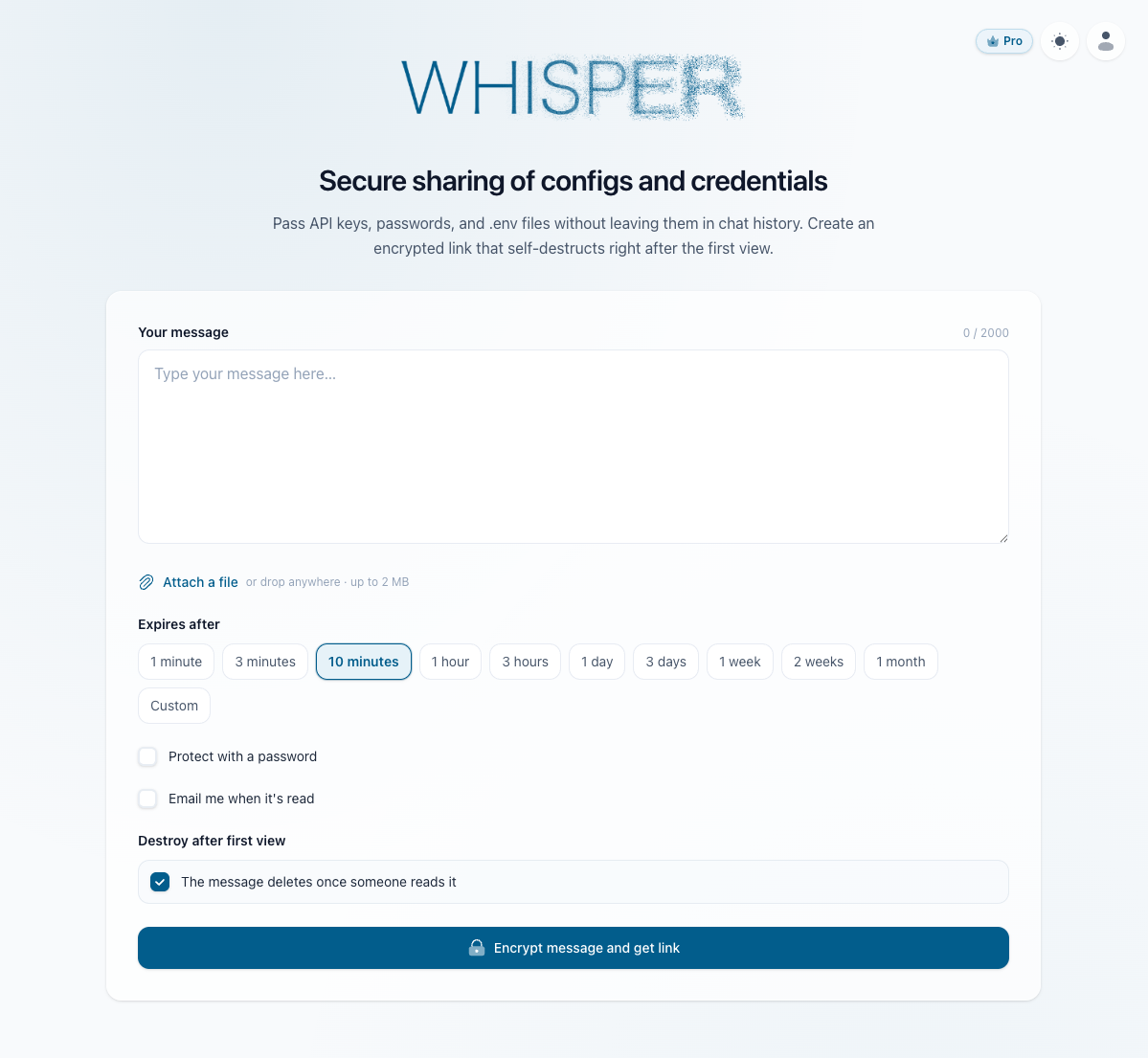
I wanted to make secure sharing just as fast, but without leaving my AI code editor. So, at my studio Webix Soft, I built Whisper - a client-side encrypted secret sharing tool with a built-in MCP server.
The MCP Magic (Why I really built this)
Context switching breaks your flow. If you use AI editors like Cursor/Windsurf or Claude/Codex leaving your code to open a browser and generate a secure link is annoying.
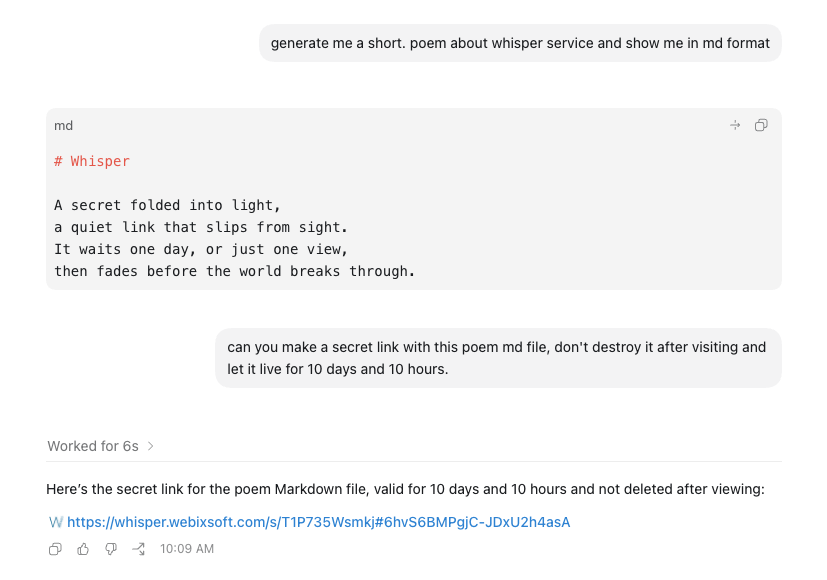
With the @webixsoft/whisper-mcp package, you don't have to. You just ask your AI assistant:
"Create a secure link for my .env file."
That's it. The AI uses the MCP tool, encrypts your file locally on your machine, and drops a self-destructing secure link right into your chat. You copy the link, send it to your colleague, and keep coding.
How the security works (Zero-Knowledge)
Client-side encryption: Your secret is encrypted in your browser (or via the local MCP server) before it ever hits the internet.
The Key is in the Hash: The decryption key is generated locally and placed inside the URL hash (like #KEY). Our servers only receive a meaningless ciphertext and never see the key.
Burn after reading: When your teammate opens the link, their browser decrypts it locally. Once viewed, the data is wiped from our database forever. We don't even collect IP addresses.
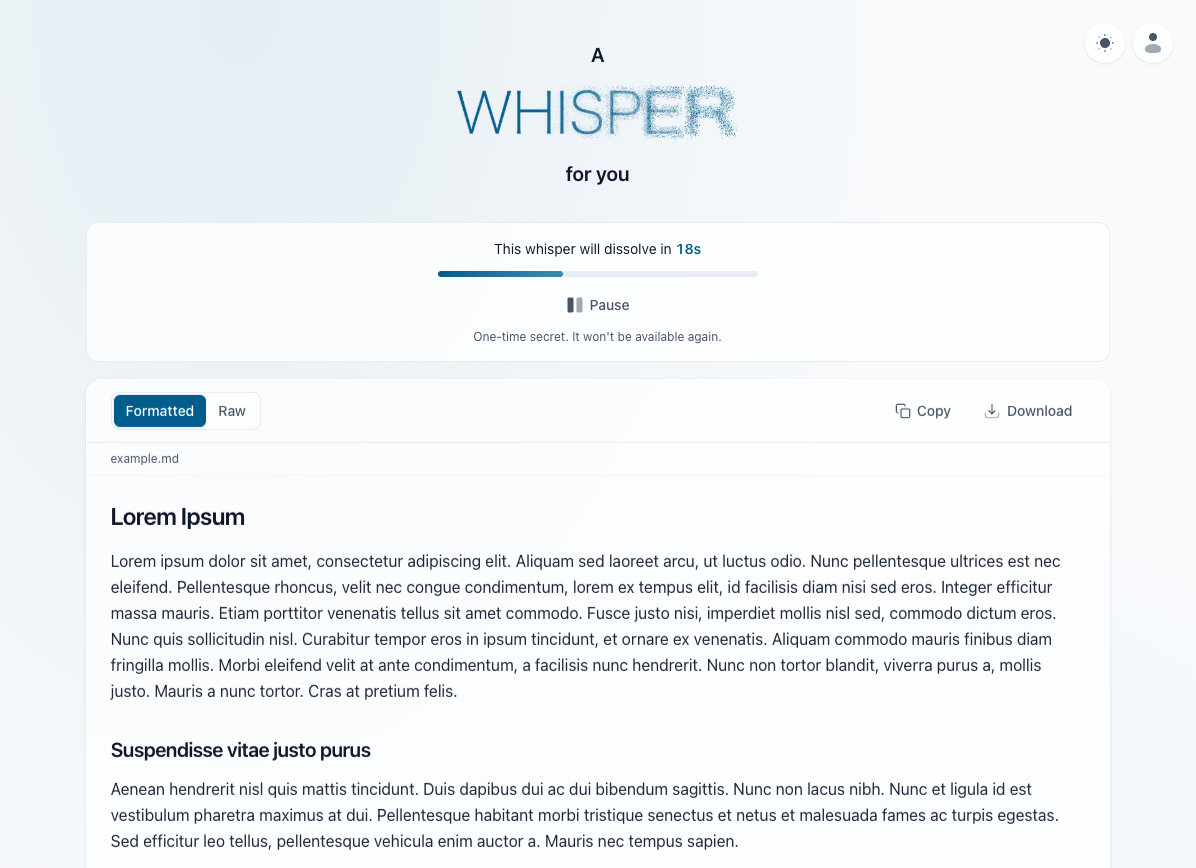
Markdown Rendering: If you share a Markdown-formatted config or doc, Whisper renders it beautifully on the other side. You can easily switch to the raw source, copy it, or download it as a file.
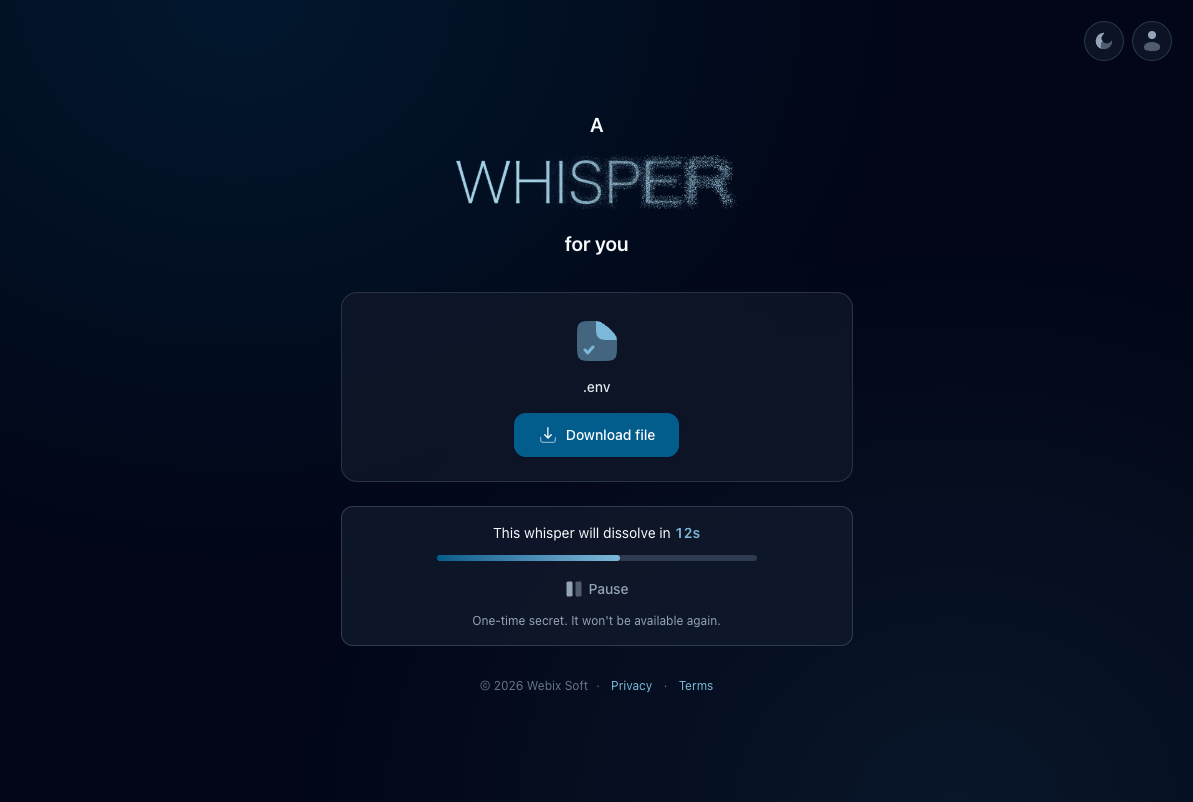
Dark Mode: Because nobody wants to be blinded by a white screen at 2 AM. You can toggle it on the fly.
I'd love for you to try it out and hear your thoughts, especially on the MCP workflow!
You can check out the web app here: https://whisper.webixsoft.com/
And find the MCP package on npm: @webixsoft/whisper-mcp